-
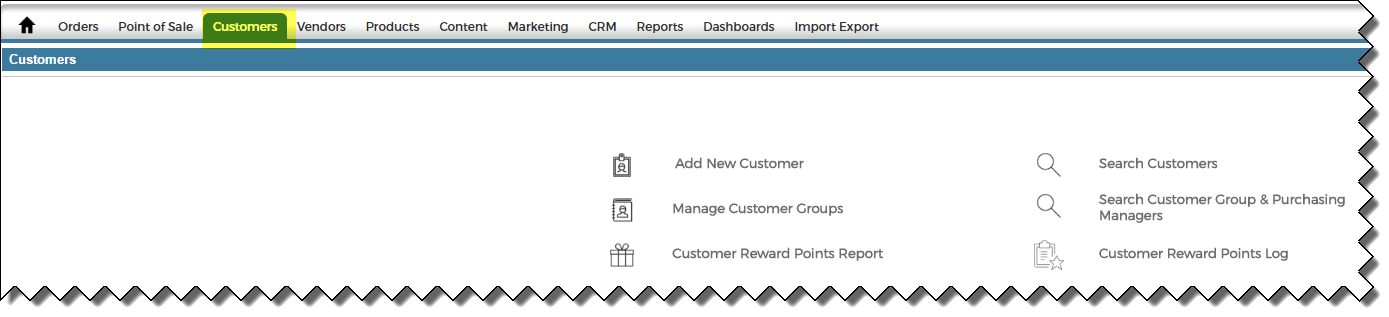
Go to the Customers tab > Search Customers
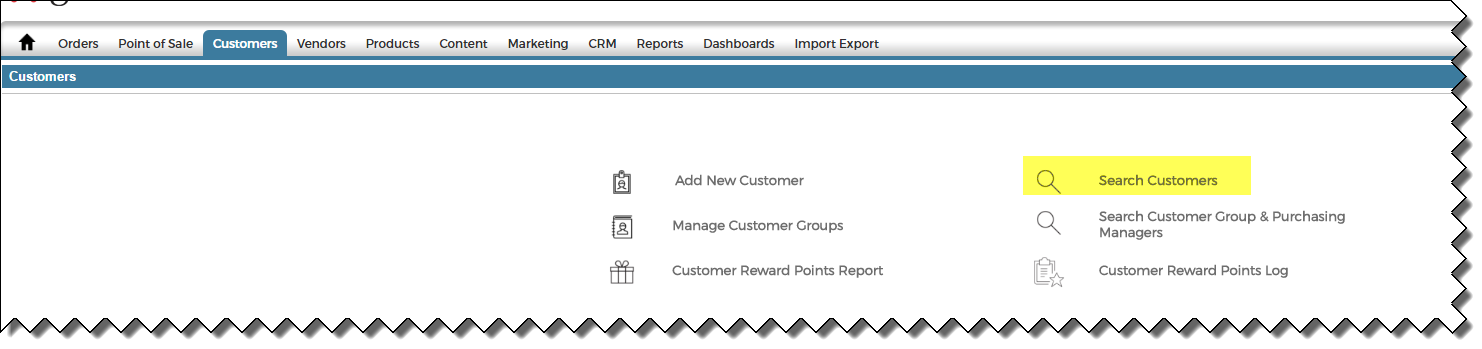
- Search for the customer and click Edit next to the customer for which you would like to change the address.

- In the Address Book, click on Edit or Add New Address.

-
Edit the Address. (Note: fields marked with a RED line next to them are required.)
Note: You can use the Zip Code lookup option to auto populate the correct City.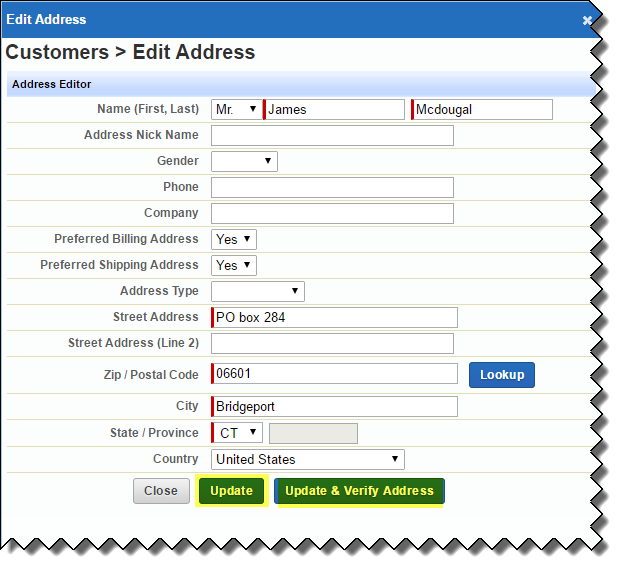
- Click Update or Update & Verify Address.


